The open source plugin for productivity metrics, goals, leaderboards, and automatic time tracking.
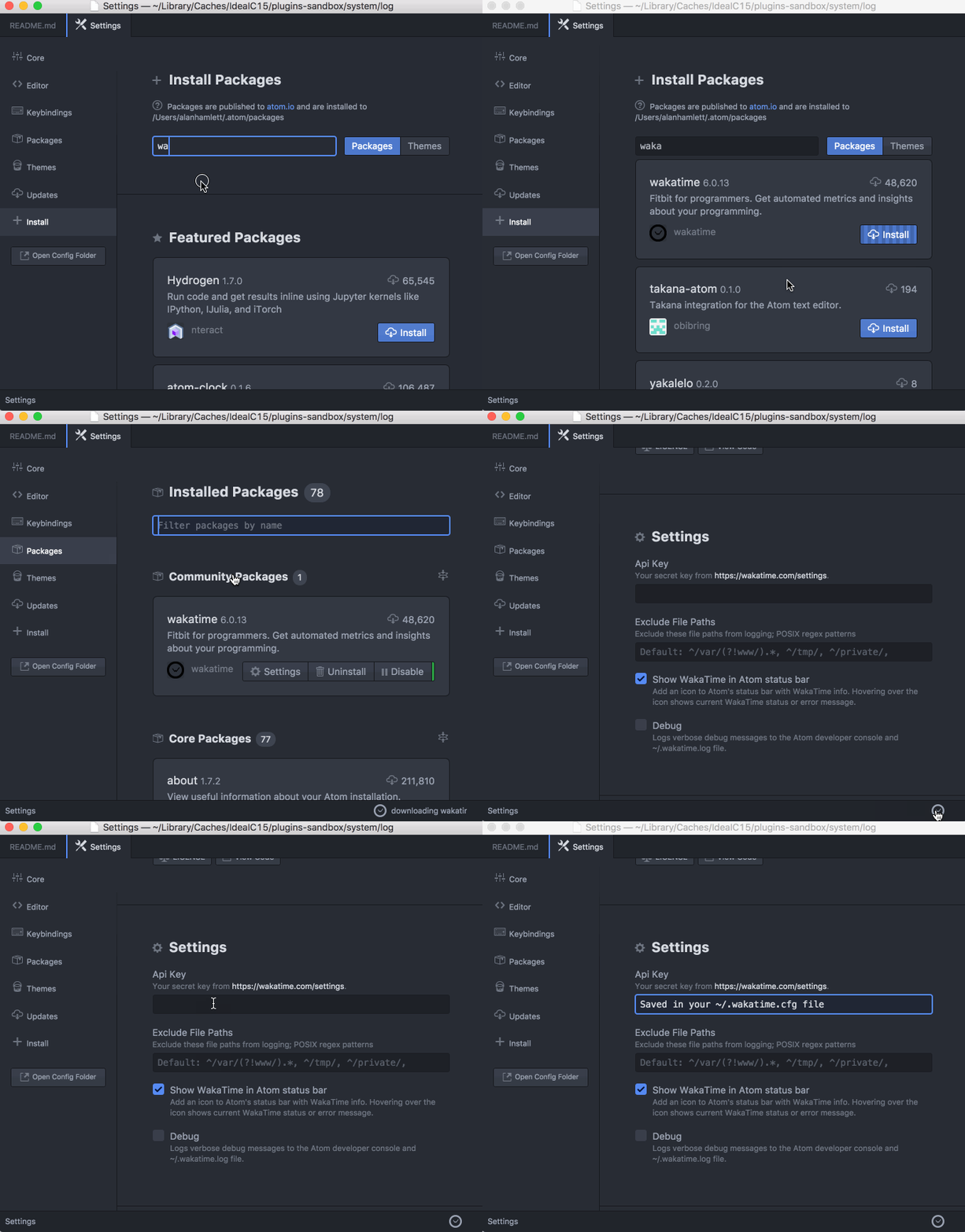
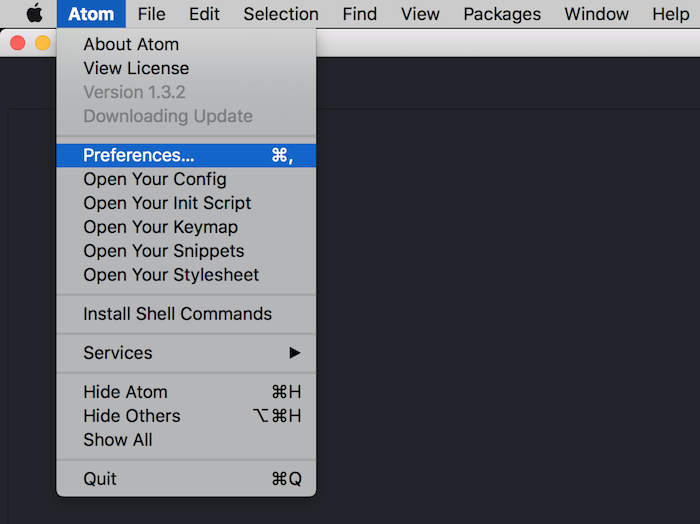
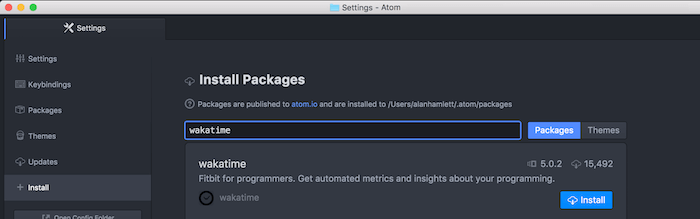
Inside Atom, navigate to Preferences (or Settings) → Install and search for wakatime.
Click the Install button.
Click the Settings button inside the wakatime package.
Enter your API Key.
Type some code, then visit your WakaTime Dashboard to see your stats!
Alternatively, you can install WakaTime from command line with apm install wakatime.