
The open source plugin for productivity metrics, goals, leaderboards, and automatic time tracking.
Create a free account, then connect Eclipse using the instructions below.
Already have an account? Log in to continue setup.
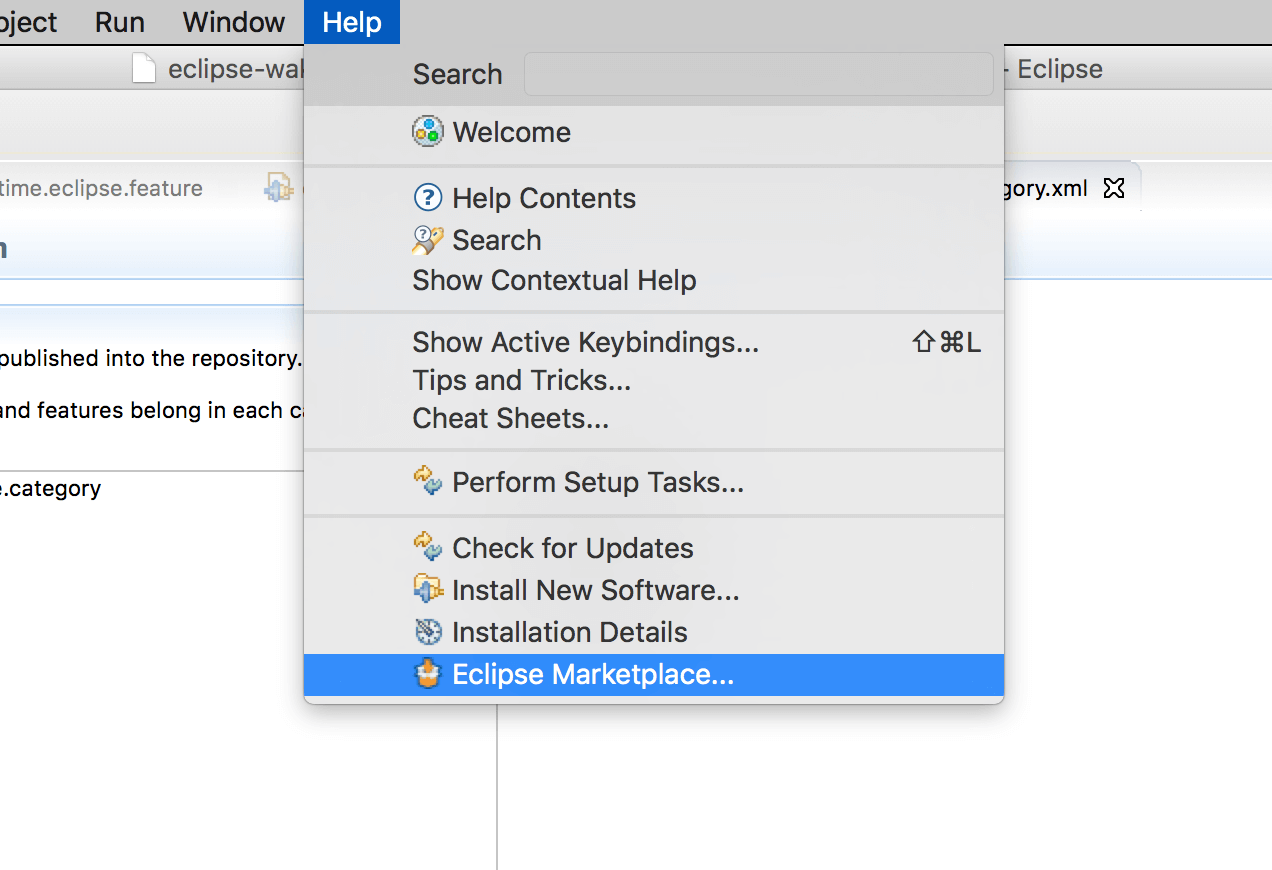
Click Help → Eclipse Marketplace… then search for wakatime.
Click Install.
Navigate to File → WakaTime → API Key and enter your API Key, then click OK.
Use Eclipse and your coding activity will be displayed on your WakaTime Dashboard.
Add WakaTime to your Eclipse as a new Update Site:
Select Help → Install New Software…, then enter this url and hit Enter:
https://wakatime.com/eclipse/update-site/
Check the WakaTime package, then click Next and proceed with the wizard to install the plugin.
Use Eclipse and your coding activity will be displayed on your WakaTime Dashboard.