
The open source plugin for productivity metrics, goals, leaderboards, and automatic time tracking.
Click Help → Flash Builder Marketplace… then search for wakatime.
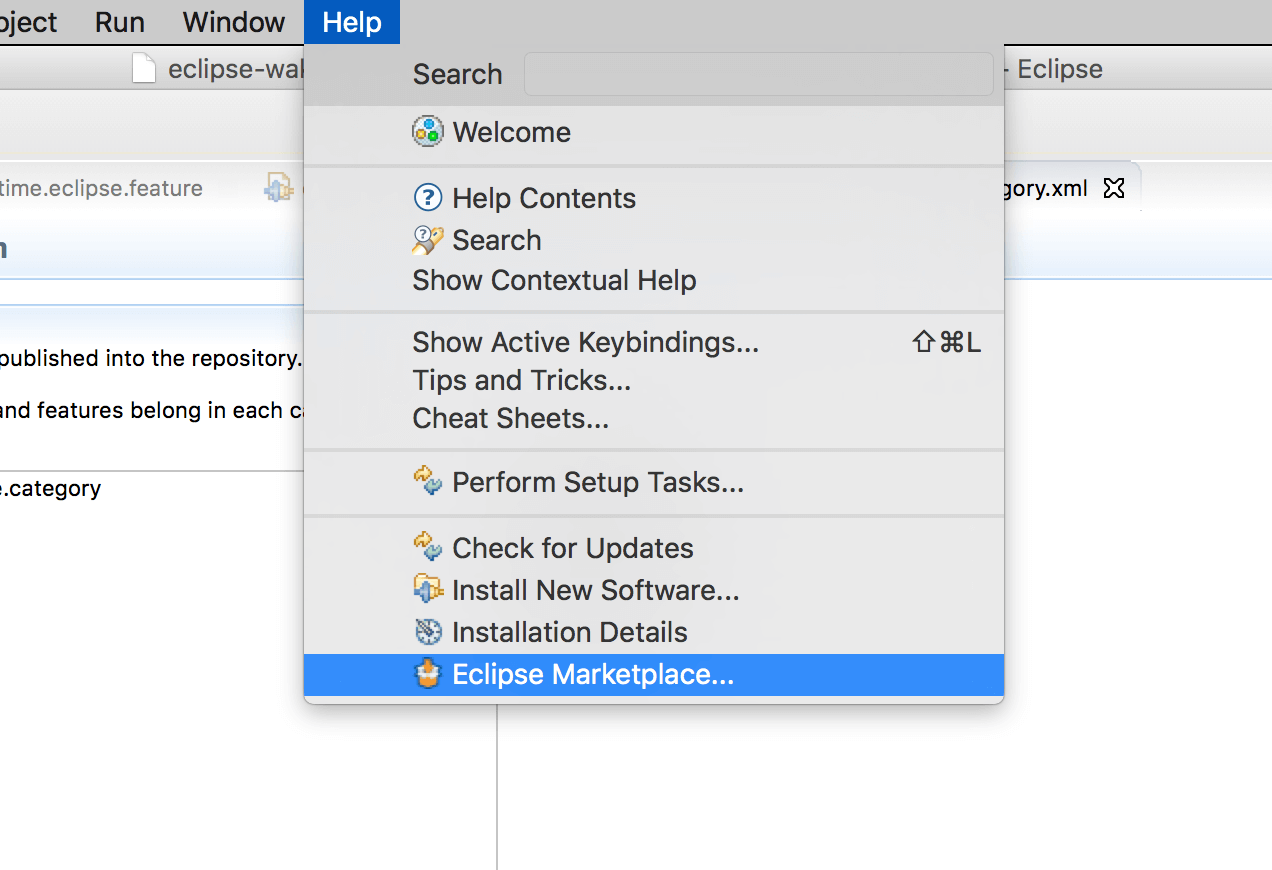
Click Install.
Navigate to File → WakaTime → API Key and enter your API Key, then click OK.
Use Flash Builder and your coding activity will be displayed on your WakaTime Dashboard.
Add WakaTime to your Flash Builder as a new Update Site:
Select Help → Install New Software…, then enter this url and hit Enter:
https://wakatime.com/eclipse/update-site/
Check the WakaTime package, then click Next and proceed with the wizard to install the plugin.
Use Flash Builder and your coding activity will be displayed on your WakaTime Dashboard.