
The open source plugin for productivity metrics, goals, leaderboards, and automatic time tracking.
Inside Visual Studio, navigate to Tools → Extensions…
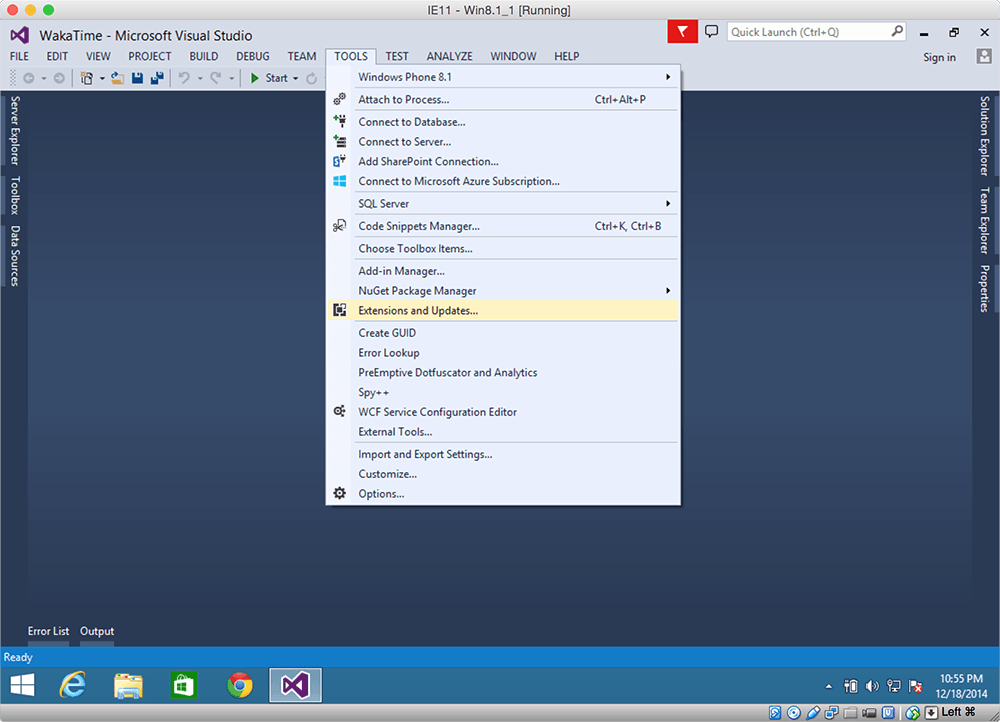
Click the Online category at the left, then search for wakatime.
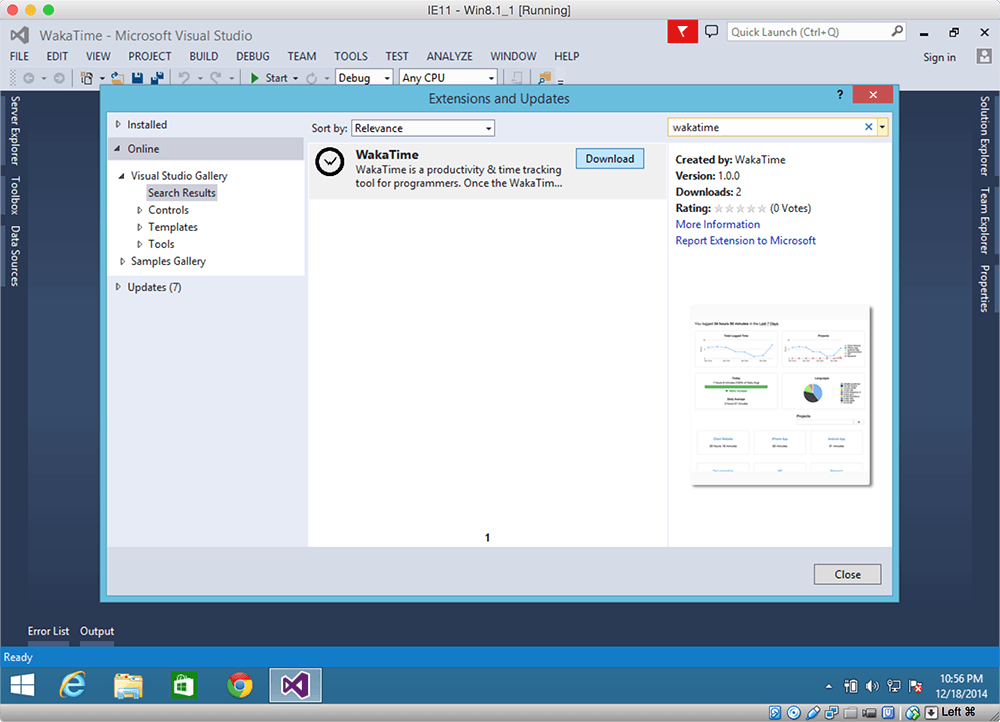
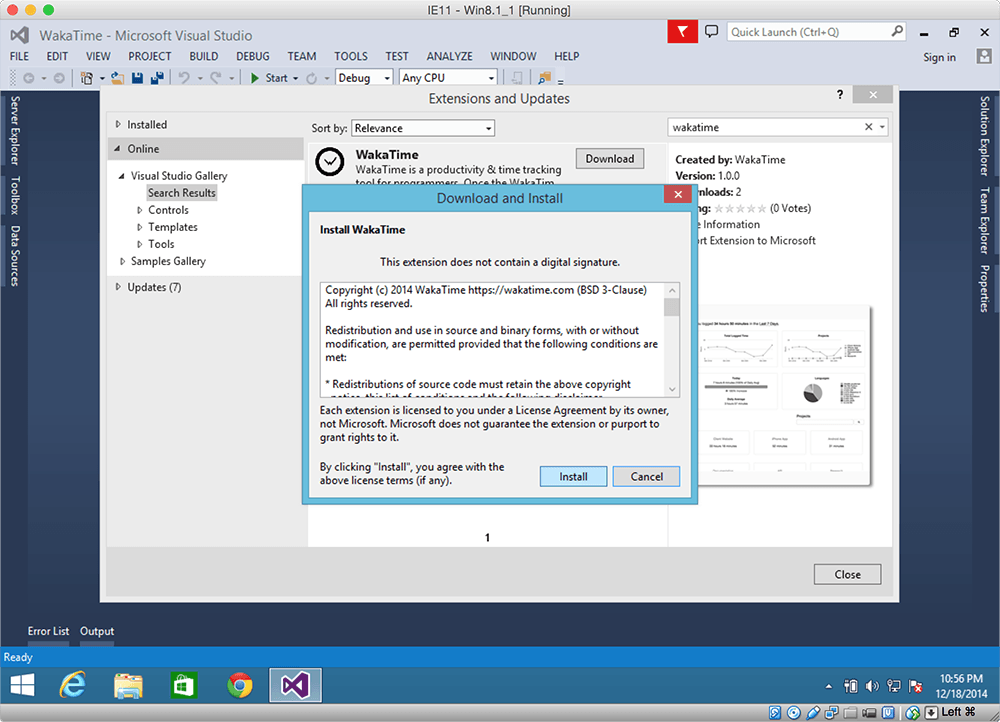
Click the Download button, then click Install.
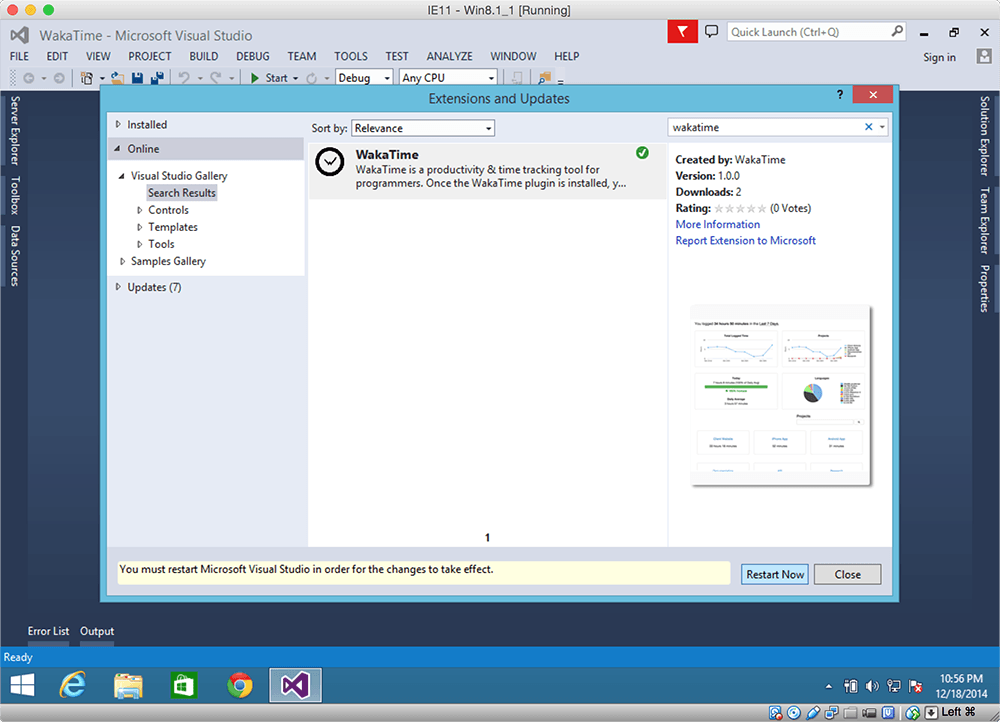
Click the Restart Now button.
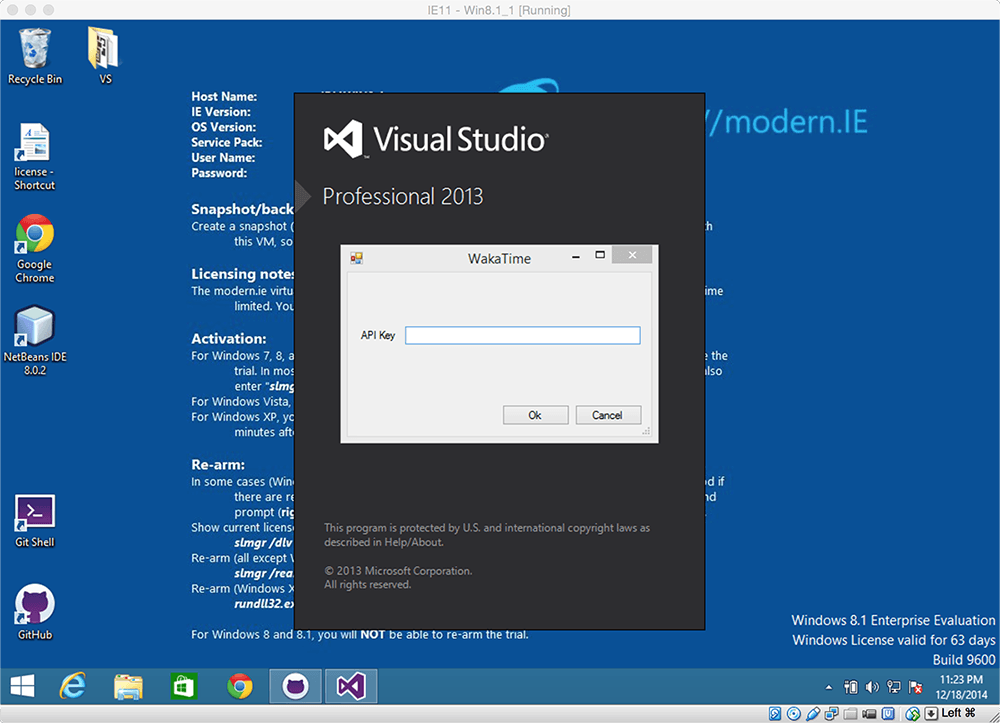
Enter your API Key, then press enter.
Use Visual Studio like you normally do and your coding activity will be displayed on your WakaTime Dashboard.