The open source plugin for productivity metrics, goals, leaderboards, and automatic time tracking.
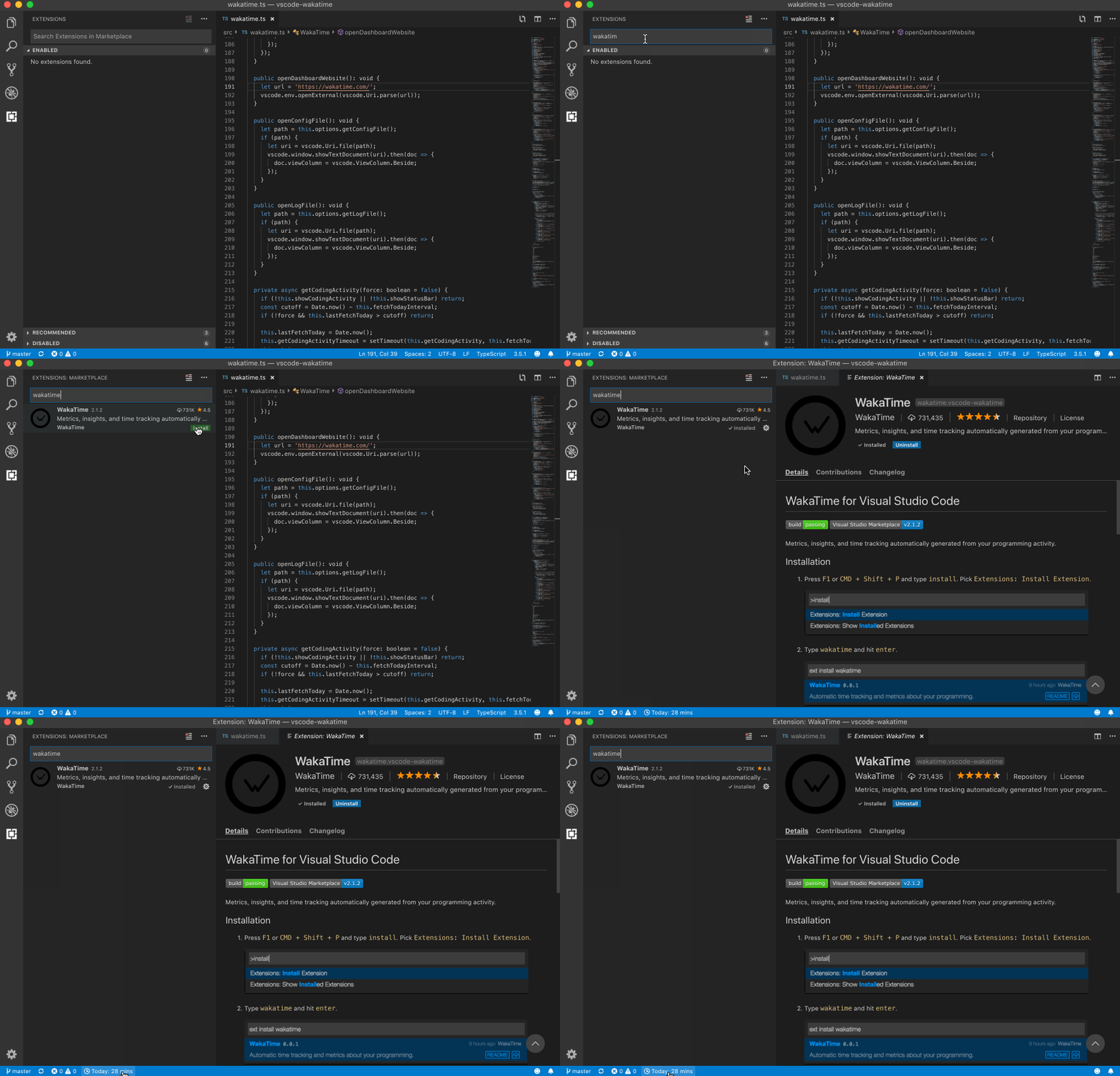
Press F1 or CMD + Shift + P and type install. Pick Extensions: Install Extension.

Type wakatime and hit enter.

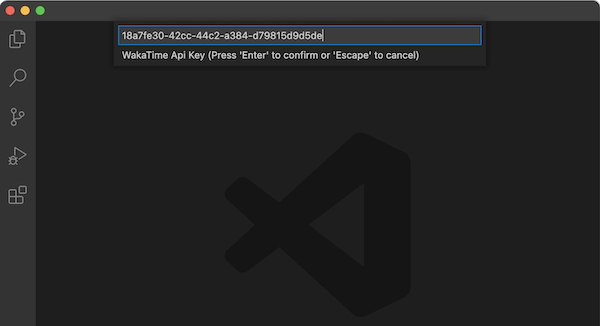
Enter your API Key, then press enter.
(If you’re not prompted, press F1 or CMD + Shift + P then type WakaTime API Key.)
Use VS Code like you normally do and your coding activity will be displayed on your WakaTime Dashboard.