
The open source plugin for productivity metrics, goals, leaderboards, and automatic time tracking.
Create a free account, then connect Maestro using the instructions below.
Already have an account? Log in to continue setup.
Inside Maestro’s General Settings, toggle Enable WakaTime tracking
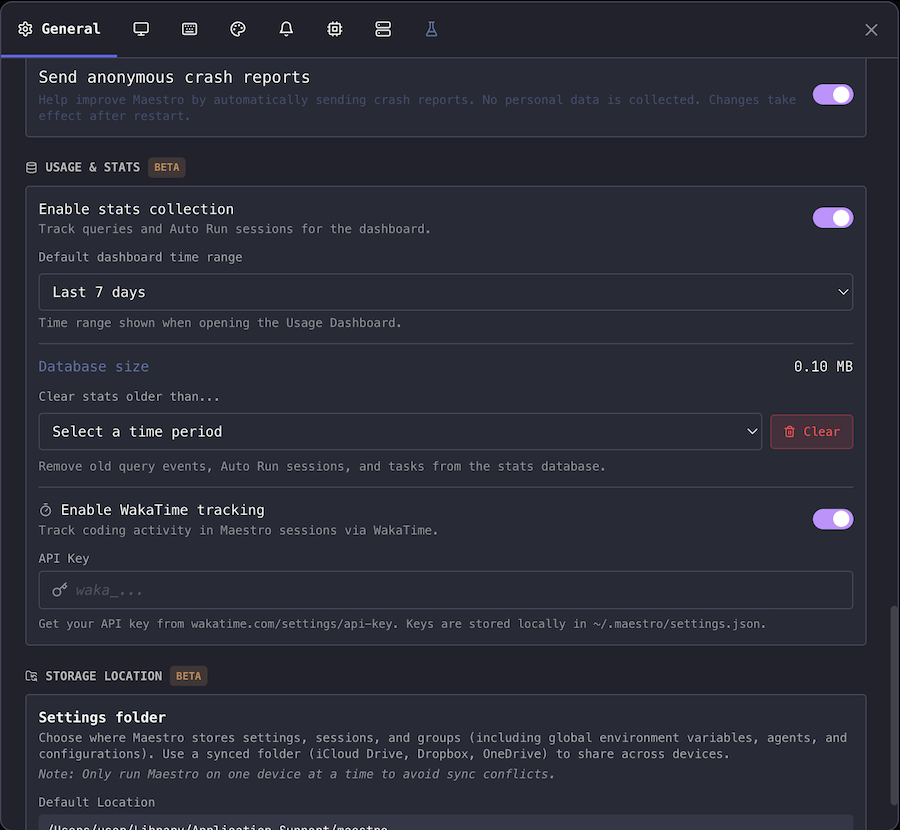
Enter your API Key.
Use Maestro like you normally do and your stats will be displayed on your WakaTime Dashboard.