

Visual Studio free time tracking

How much time do you spend in Visual Studio? Get the WakaTime plugin and track your programming in real-time.

89
Editors Supported
600+
Languages Detected
1,100,246
Hours Coded this Week

Measure Your Coding

The WakaTime plugin for Visual Studio gives you real-time metrics per project, file, branch, commit, feature, operating system, language, etc.

Gain Insights

Spend more time in JavaScript or Python? Your personal dashboard shows the metrics you care about.

Improve Your Productivity

Compete with your friends on private leaderboards, improve your daily coding average, and check your rank against other WakaTime users.

Used by Top Companies

WakaTime is the only tool that shows me the ROI on AI. I can see how much code is AI-generated, right down to the file level.
TJ Holowaychuk
Creator of Express.js
WakaTime is brilliant! It tells me which models produce the most code using the least amount of tokens.
Maya Wright
Software engineer
You can't optimize what you don't measure. WakaTime gives me the data to decide which AI models actually help me ship faster.
Robert Adams
Software engineer

Open Source

We value Open Source and make a point to release all our plugins on GitHub under a BSD License.

Install the plugin

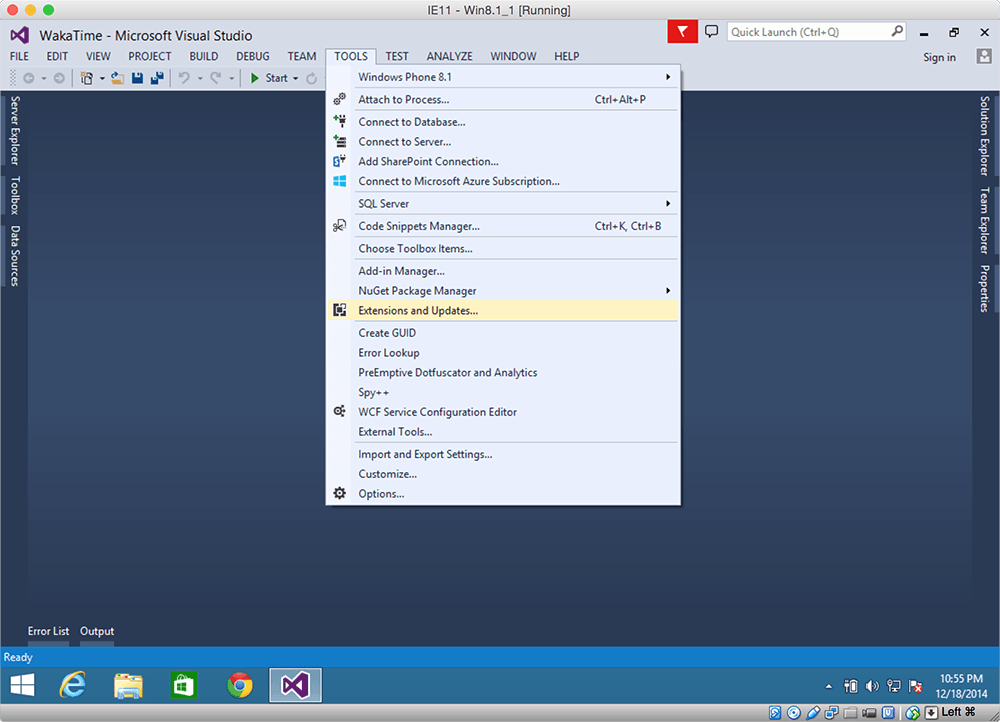
  1. Inside Visual Studio, navigate to ToolsExtensions…

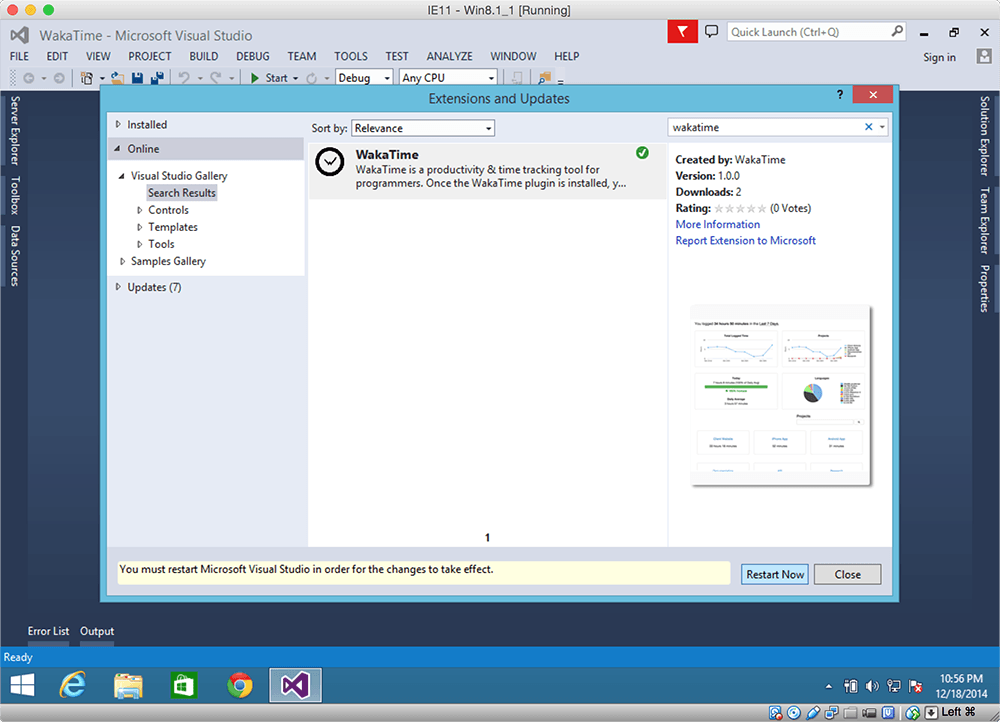
  2. Click the Online category at the left, then search for wakatime.
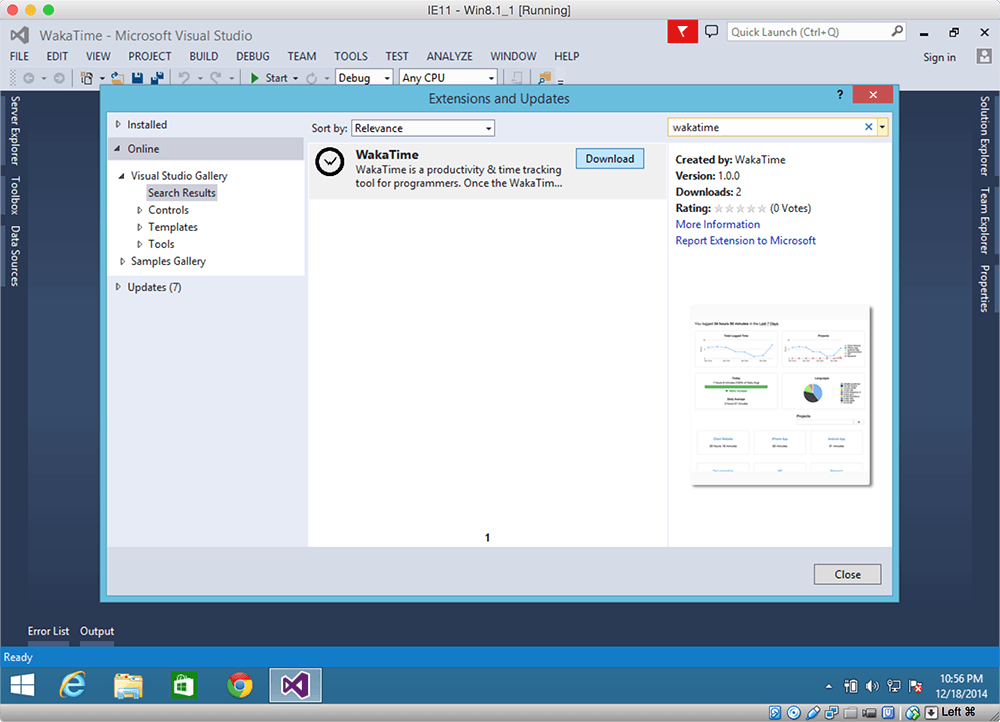
  3. Click the Download button, then click Install.
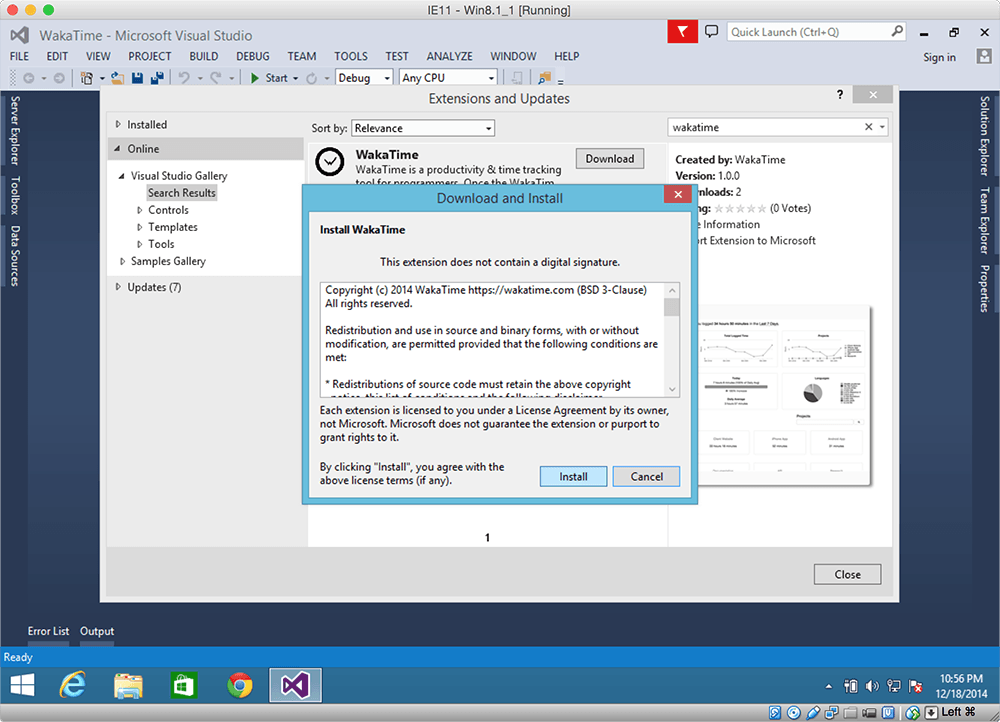
  4. Click the Restart Now button.

  5. Enter your API Key, then press enter.
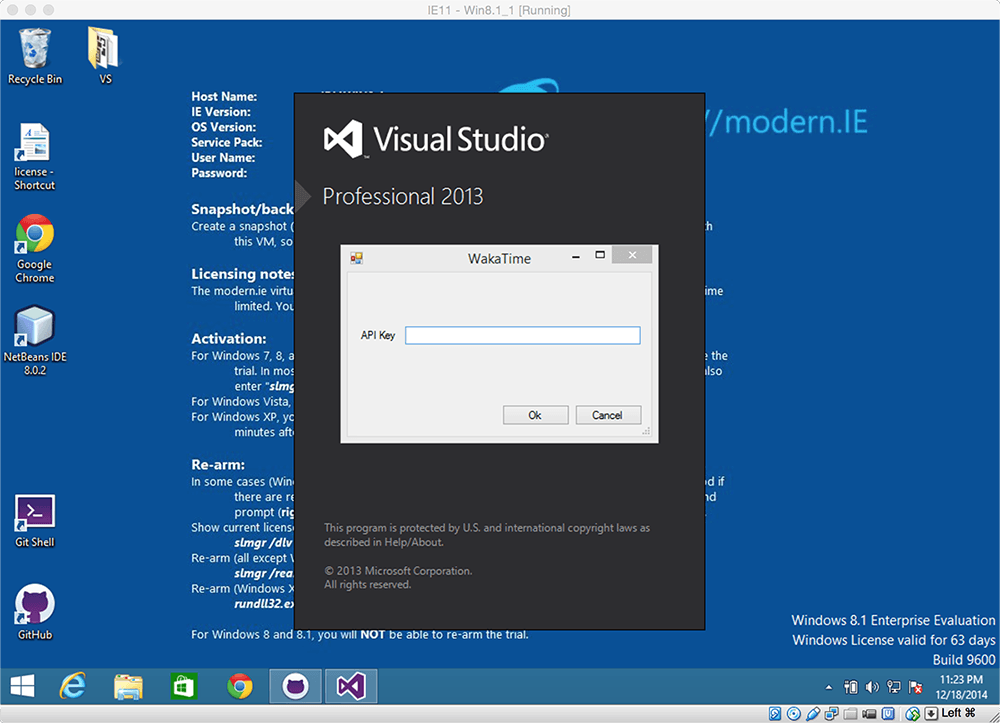
  6. Use Visual Studio like you normally do and your coding activity will be displayed on your WakaTime Dashboard.